Okta SAML SSO for Publishers
This guide explains how to configure Okta as an identity provider (IdP) for publisher access in DeskAlerts using SAML 2.0.
1. Log in to Okta and Open Applications
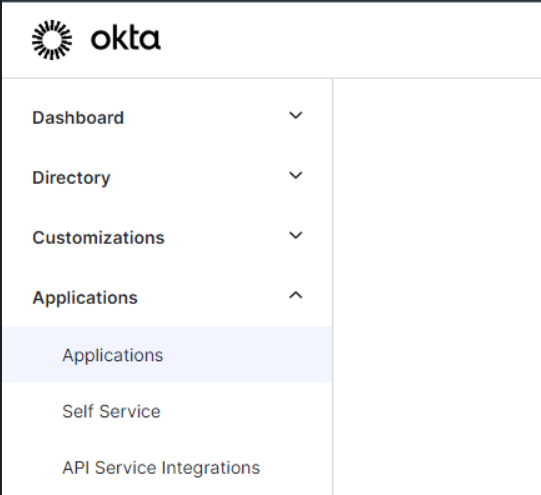
Log in to the Okta dashboard as an administrator and go to Applications.
2. Create or Edit an Application
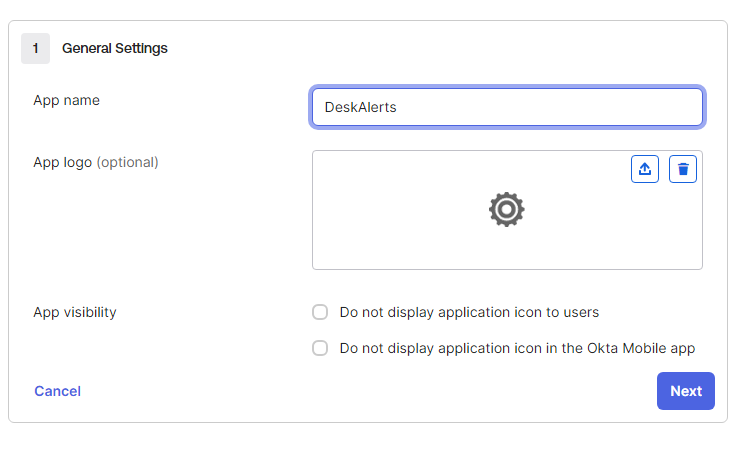
You can create a new app or edit an existing one.
In the General tab, update the SAML Settings section.
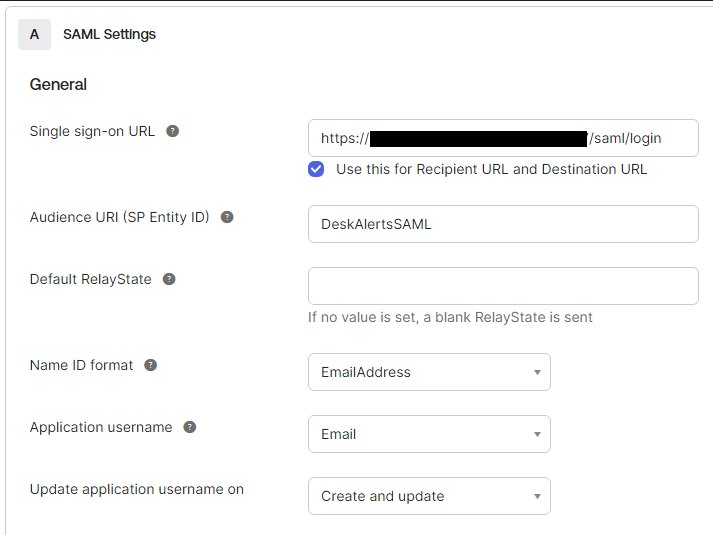
Required values:
-
Single Sign-On URL:
https://<your-deskalerts-domain>/saml/login
Example:https://deskalerts.com/saml/login -
Audience URI (SP Entity ID): use a unique random value and save it for later.
Click Next to continue.
3. Configure SAML Parameters
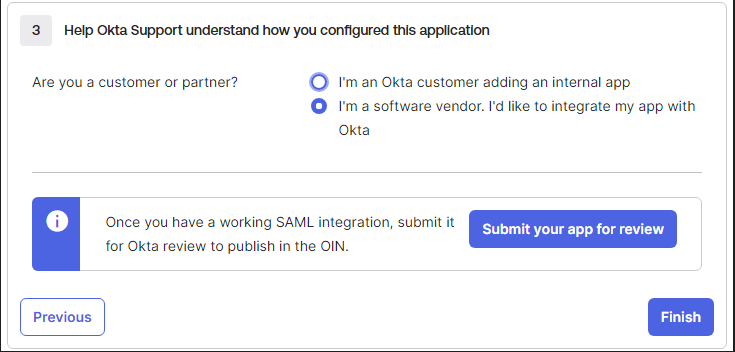
Set SAML attributes as shown in your Okta configuration and click Finish.
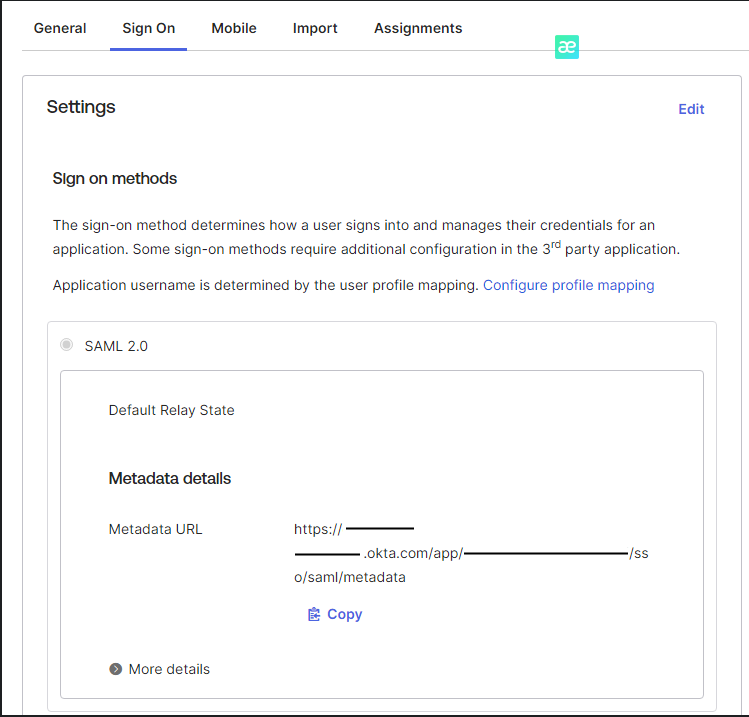
4. Copy Metadata URL
In the Sign On tab, copy the Metadata URL.
5. Assign Users in Okta
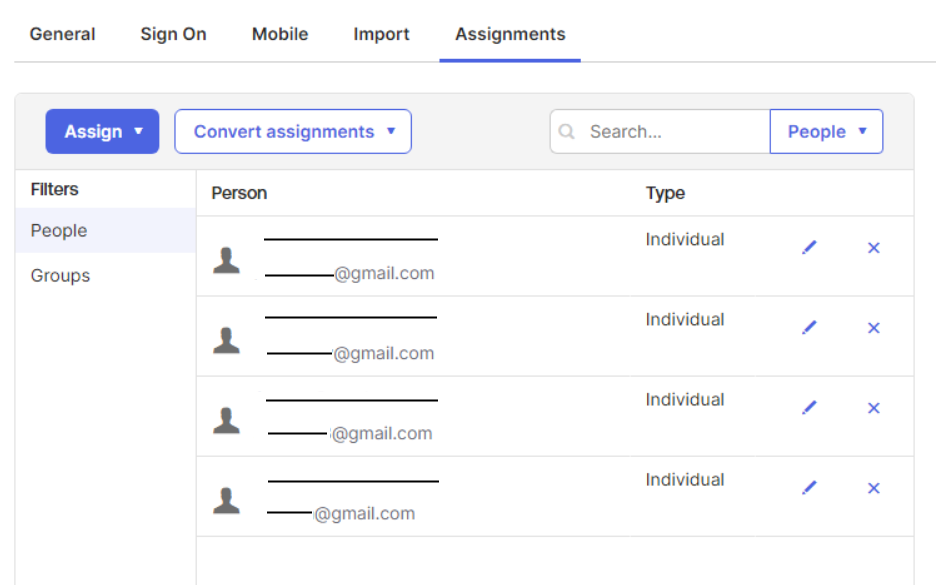
In the Assignments tab, add users who should access DeskAlerts via SSO.
6. Add Matching Users in DeskAlerts
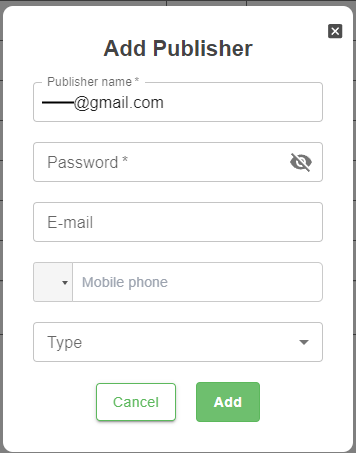
In the DeskAlerts dashboard, add publisher accounts with emails that match the assigned Okta users.
You can use any password. Okta will handle authentication.

7. Configure DeskAlerts Server
- Stop the web server in IIS.
- Navigate to:
C:\inetpub\wwwroot\Deskalerts\www\ - Open the file
appsettings.Production.json.
Update the following parameters:
IdPMetadata: the metadata URL from OktaIssuer: the SP Entity ID (audience URI)
Example configuration:
{
  "Logging": {
    "LogLevel": {
      "Default": "Information",
      "Microsoft.AspNetCore": "Error"
    }
  },
  "AppConfiguration": {
    "EnableCsrfProtection": true,
    "EnableSwaggerInProductionMode": false,
    "EnableApiCallMetrics": false,
    "EnableSameSiteCookieRestriction": true
  },
  "Saml2": {
    "IdPMetadata": "https://***.okta.com/app/***/sso/saml/metadata",
    "Issuer": "DeskAlertsSAML",
    "SignatureAlgorithm": "http://www.w3.org/2001/04/xmldsig-more#rsa-sha256",
    "CertificateValidationMode": "None",
    "RevocationMode": "NoCheck"
  },
  "Saml2Settings": {
    "DownParty": "aspnetcore_saml_sample",
    "FoxIDsLoginUpParty": "*",
    "ParallelFoxIDsUpParty": "foxids_oidcpkce",
    "IdentityServerUpParty": "identityserver_oidc_op_sample",
    "SamlIdPSampleUpParty": "aspnetcore_saml_idp_sample",
    "SamlIdPAdfsUpParty": "adfs_saml_idp",
    "RedirectUrl": "/admin/alerts/popup"
  }
}